

Building a professional business website used to mean hiring a web designer, learning WordPress, dealing with complicated settings, or spending weeks trying to get everything right.
Today, that is no longer necessary.
With modern website builders and AI-powered tools, business owners can create a professional-looking website without knowing HTML, CSS, coding, or advanced web design.
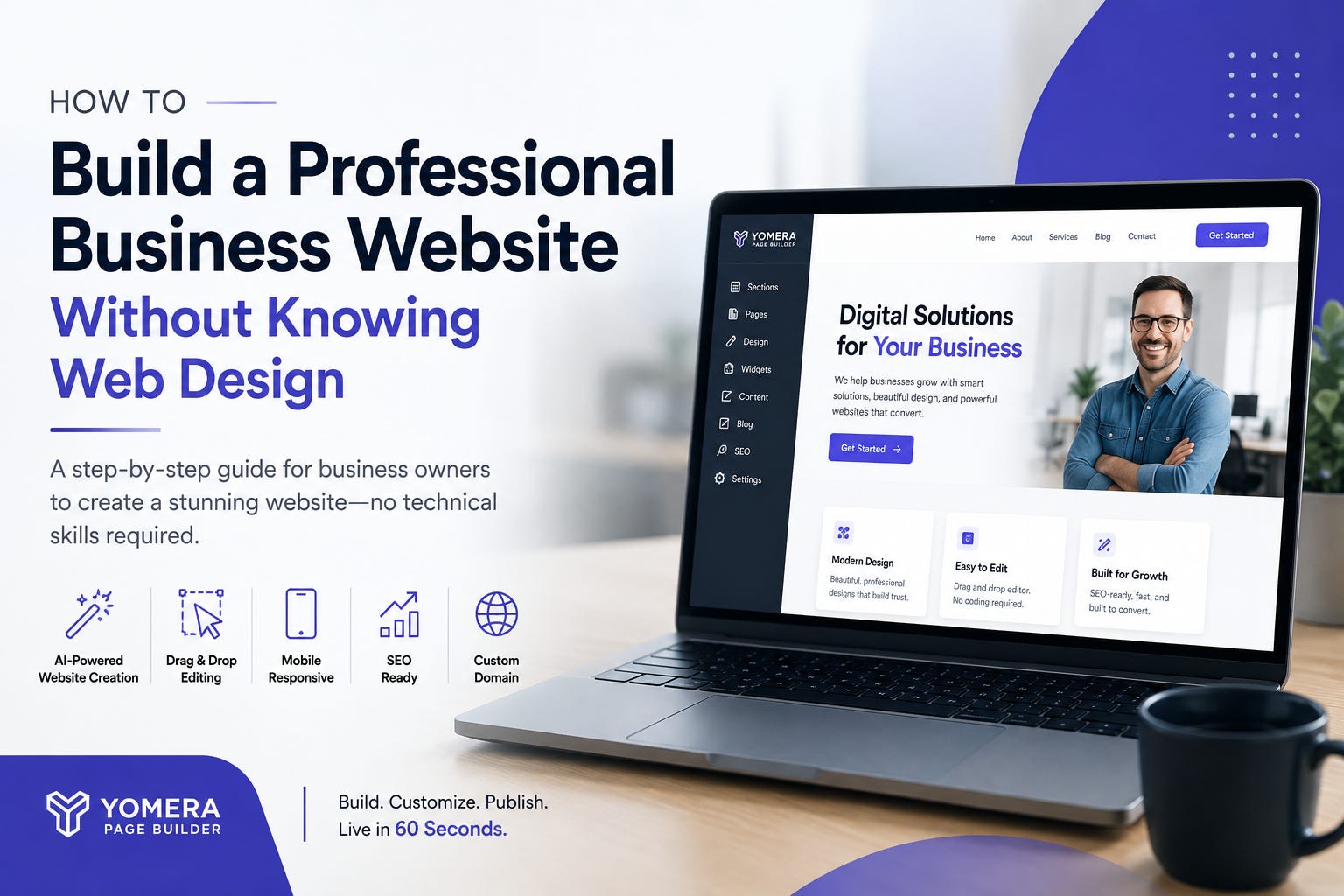
Whether you run a local service business, consulting company, agency, restaurant, salon, online business, or startup, you can start with a simple business idea and turn it into a complete website much faster than traditional website development.
In this guide, we’ll explain how to build a professional business website without knowing web design and what you should focus on to make your website useful, trustworthy, and ready to attract customers.
Why You Don’t Need to Be a Web Designer Anymore
One of the biggest barriers to creating a website has traditionally been technical knowledge.
You might think you need to understand:
HTML and CSS
Website hosting
Responsive design
SEO
Page layouts
Image optimization
Website navigation
Domain configuration
Mobile design
Fortunately, modern website builders handle much of this technical work for you.
Instead of designing every section from scratch, you can use templates, AI-generated layouts, visual editors, and pre-built website components.
The goal isn’t to become a web designer.
The goal is to clearly communicate who you are, what you offer, and why customers should choose your business.
Step 1: Decide What Your Website Needs to Accomplish
Before choosing colors, fonts, or images, determine the main purpose of your website.
Ask yourself:
What do I want visitors to do?
For example, you may want visitors to:
Call your business
Request a quote
Book an appointment
Buy a product
Schedule a consultation
Contact your team
Visit your physical location
Learn about your services
A website becomes much more effective when it has one clear primary objective.
For example, a local plumber might want visitors to call for an emergency service. A consultant may want visitors to schedule a consultation. A restaurant may want customers to view the menu and make a reservation.
Your website structure should support that goal.
Step 2: Start With a Website Builder Instead of Designing From Scratch
If you don’t have web design experience, starting with a blank page can be overwhelming.
A modern website builder gives you a much easier starting point.
Instead of asking, “How should I design this website?”, you can start with a template or use AI to generate an initial website based on your business.
For example, an AI-powered website builder can take basic information about your business and turn it into a starting website structure.
You can then customize the content, images, sections, colors, and other elements.
This approach can save significant time compared with designing every page manually.
Step 3: Describe Your Business Clearly
If you’re using an AI website builder, the quality of your starting website depends partly on the information you provide.
You don’t need to write a complicated prompt.
Start with simple information such as:
Business name
Industry
Products or services
Target customers
Location
Main selling points
Contact information
Preferred style or tone
For example:
“Create a professional website for a local digital marketing agency serving small businesses. We offer SEO, Google Ads, website design, and social media marketing. Our goal is to generate consultation requests from local business owners.”
This gives the builder enough context to create a relevant starting point.
Step 4: Create the Essential Pages
You don’t need dozens of pages to launch a professional website.
For many small businesses, the following pages are enough to get started:
Home
Your homepage should quickly explain:
What do you offer, who do you help, and why should visitors choose you?
Include a clear headline, short description, primary call-to-action, key services, benefits, testimonials or trust elements, and contact information.
About
Tell visitors who you are, what your business does, and what makes you different.
You don’t need a long company history. Focus on information that helps potential customers feel confident about doing business with you.
Services or Products
Clearly explain what you offer.
Each service should ideally include:
What it is
Who it’s for
Key benefits
What makes your approach different
How customers can get started
Contact
Make it easy for visitors to contact you.
Depending on your business, this could include a contact form, phone number, email address, address, map, or booking option.
Blog
A blog can help you publish useful information, answer customer questions, and build organic search visibility over time.
Step 5: Choose a Professional Template or Layout
You don’t need to be a designer to create a good layout.
Modern website builders provide professionally designed templates for different types of businesses.
Look for a layout that matches your industry and objective.
For example:
A restaurant needs menus, location information, photos, and reservation actions.
A real estate business needs property-focused sections and contact forms.
A consultant needs service descriptions, credibility elements, and booking calls-to-action.
A photographer needs a strong visual portfolio.
A local service business needs clear services, service areas, reviews, and contact options.
Starting with the right structure is often easier than trying to force a generic template to fit your business.
Step 6: Replace Generic Content With Your Own
An AI-generated website gives you a starting point—not the final version.
Review every section and make sure it accurately represents your business.
Replace generic:
Headlines
Service descriptions
Images
Contact details
Testimonials
Business information
Calls-to-action
Your website should sound like your business.
AI can help you create the first draft, but your knowledge of your customers and services makes the website more authentic.
Step 7: Make Your Website Mobile-Friendly
A professional website needs to work well on smartphones and tablets, not just desktop computers.
Before publishing, check:
Is the text easy to read?
Are buttons easy to tap?
Do images fit the screen?
Is navigation simple?
Are forms easy to complete?
Does the page load and display correctly on smaller screens?
A responsive website builder can automatically adapt your layout to different screen sizes, but you should still preview the mobile version before launching.
Step 8: Make Your Website Search-Friendly
You don’t need to become an SEO expert to establish a basic SEO foundation.
Start with the fundamentals.
Use relevant phrases naturally in your:
Page titles
Headings
Service descriptions
Homepage content
Meta descriptions
Image alt text
Blog articles
For example, instead of writing a generic headline like:
“Welcome to Our Website”
a local business could use:
“Professional House Cleaning Services in [City]”
The second headline immediately tells both visitors and search engines what the business does and where it operates.
Step 9: Add Trust Signals
A beautiful website isn’t enough if visitors don’t trust the business.
Consider adding:
Customer reviews
Testimonials
Client logos
Certifications
Years of experience
Business address
Phone number
Professional photographs
Guarantees where appropriate
Case studies
Clear service information
Trust elements are particularly important for businesses asking customers to submit information, make an appointment, or purchase something.
Step 10: Connect Your Domain
A professional business should ideally use its own domain rather than relying on a long free website address.
For example:
YourBusiness.com
is generally more professional and memorable than:
yourbusiness.websitebuilder.com
If you already own a domain, many modern website builders allow you to connect it to your new website.
If you don’t have one yet, choose a domain that is:
Easy to remember
Easy to spell
Relevant to your business
As short as reasonably possible
Suitable for your long-term brand
Step 11: Test Everything Before Publishing
Before you launch, go through your website as if you were a potential customer.
Check:
Does the homepage make sense immediately?
Can visitors understand what you sell?
Are all buttons working?
Do contact forms work?
Is your phone number correct?
Are links working?
Does the website look good on mobile?
Are there spelling or grammar errors?
Are your services clearly explained?
Is there a clear next step for visitors?
Small mistakes can make an otherwise professional website look unfinished.
Building a Website Doesn’t Have to Be Complicated
The biggest change in website creation is that you no longer need to learn web development before getting your business online.
With an AI-powered website builder such as Yomera Page Builder, you can start with your business information, generate a website, and then visually customize the result.
Instead of spending hours figuring out layouts and technical settings, you can focus on what matters most: your business, your customers, and your message.
The process can be as simple as:
Describe your business → Generate your website → Customize the content → Optimize it → Connect your domain → Publish
You don’t need to become a web designer to have a professional website.
You need the right tools, a clear message, and a website structure that makes it easy for customers to understand your business and take action.
Final Thoughts
A professional business website is no longer something that requires a large budget, a development team, or months of technical work.
Modern website builders have made the process much more accessible to entrepreneurs, freelancers, local businesses, and small teams.
The key is to avoid overcomplicating the process.
Start with your business goal. Build around your customers. Use a professional layout. Make the website mobile-friendly and search-friendly. Add trust signals. Give visitors a clear next step.
Then launch, learn from your visitors, and improve your website over time.
Your business doesn’t need a complicated website. It needs a website that works.
If you want to create a professional business website without learning coding or web design, Yomera Page Builder can help you get started with AI-powered website creation and visual editing.